We've Reached Our CMA Goal!
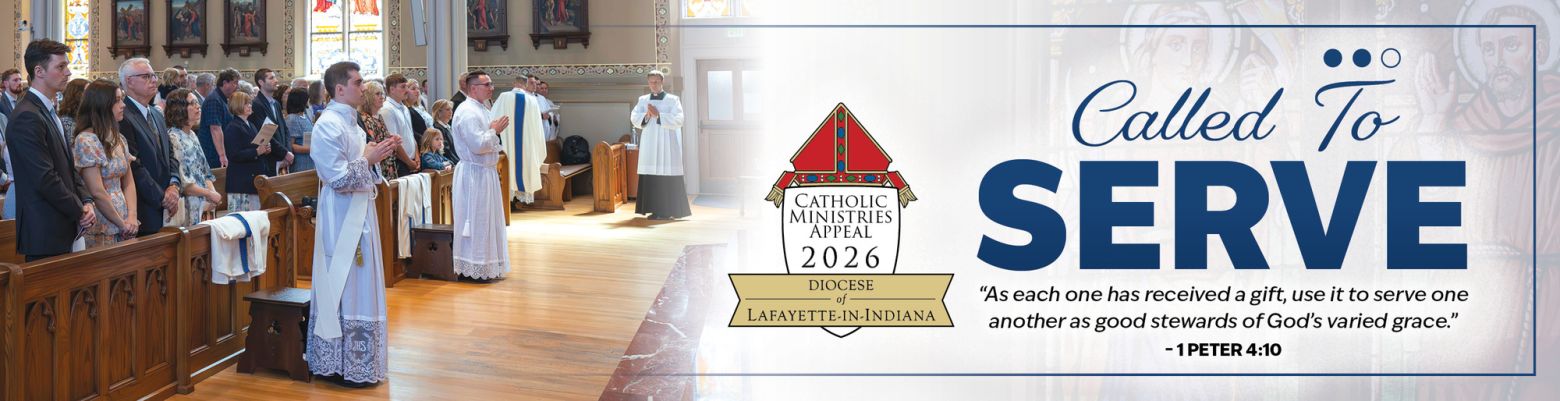
Thanks to your generosity, we have reached our Catholic Ministries Appeal (CMA) goal! Hooray!
CMA is an annual appeal that funds items, including:
CMA is an annual appeal that funds items, including:
- Seminarians and Vocations
- Permanent Diaconate
- Retired Clergy
- St. Joseph Retreat Center
- Catholic Schools
- College Ministries
- Hispanic Ministry
- Clergy Training, Retreats, Continuing Education
- And more

Note: Due to publication deadlines, the May 3 Bulletin does not reflect that we have met our goal.
Deacon Tim's First Communion Homily: How the Sacraments Lead us to Eternal Life
Congratulations to all of our First Communicants who are experiencing the sacrament last weekend and this weekend!
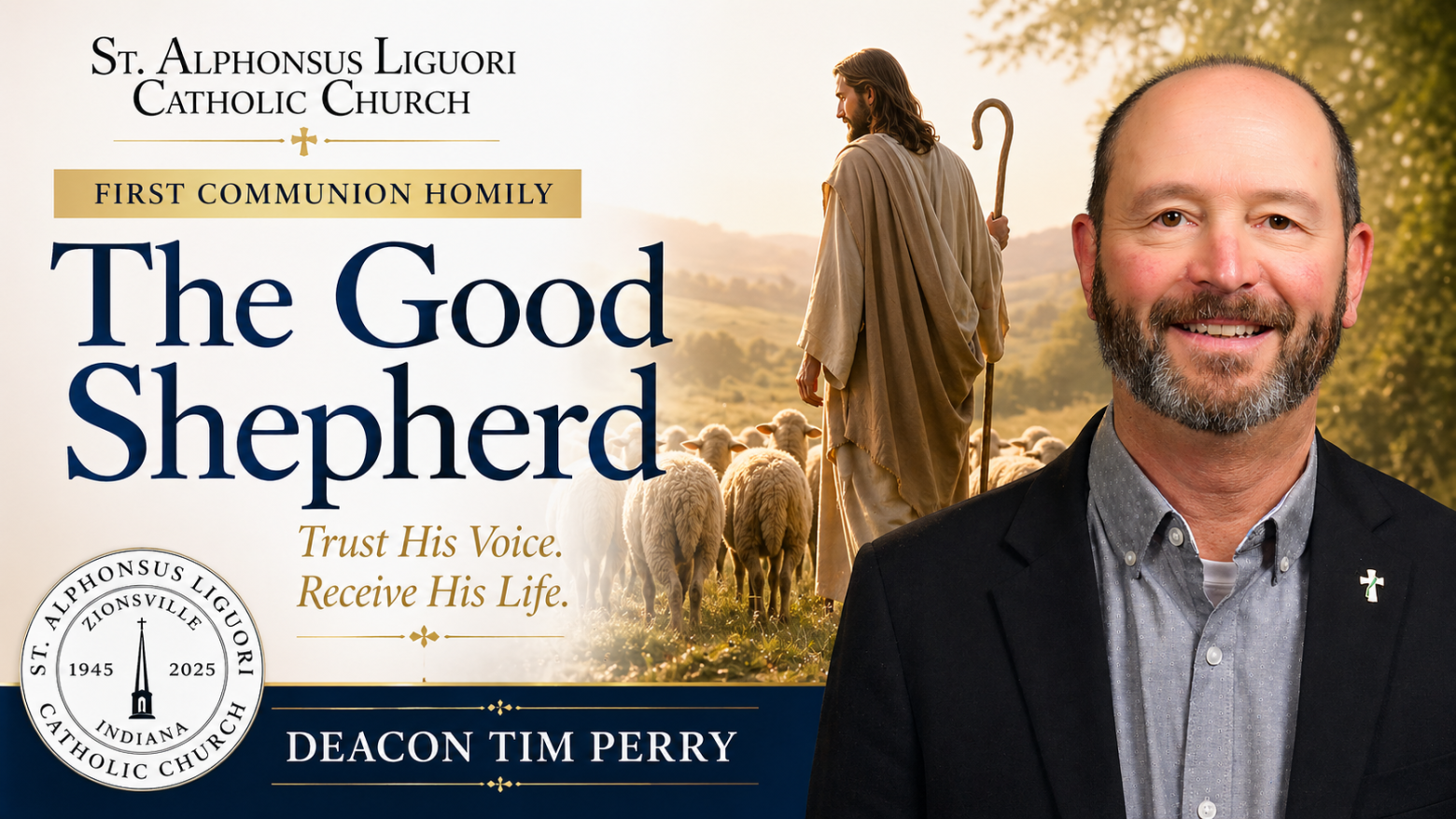
In his April 26 homily, Deacon Tim reflected on Jesus as the Good Shepherd. Drawing from the Easter season and the celebration of the sacraments, he emphasizes that Christ is both the shepherd and the gate who guards us from harm and guides us toward eternal life. Watch his homily below...
In his April 26 homily, Deacon Tim reflected on Jesus as the Good Shepherd. Drawing from the Easter season and the celebration of the sacraments, he emphasizes that Christ is both the shepherd and the gate who guards us from harm and guides us toward eternal life. Watch his homily below...
Mark Your Calendars: Breakfast for Dinner Fundraiser Friday, May 15
Skip cooking dinner on Friday, May 15 and join us in Parish Hall for Breakfast for Dinner in support of the Missionaries of Charity Indianapolis who recently experienced a fire at their property. The Daughters of the Immaculata and the Knights of Columbus are teaming up to raise funds for repair and restoration.
From 5-7pm, you can enjoy your choice of pancakes, eggs, hash browns, sausage, drinks and more for $2-$10 all while raising money for a great cause!
From 5-7pm, you can enjoy your choice of pancakes, eggs, hash browns, sausage, drinks and more for $2-$10 all while raising money for a great cause!

Fr. Travis Welcomes You to Hallow + Feature of the Week
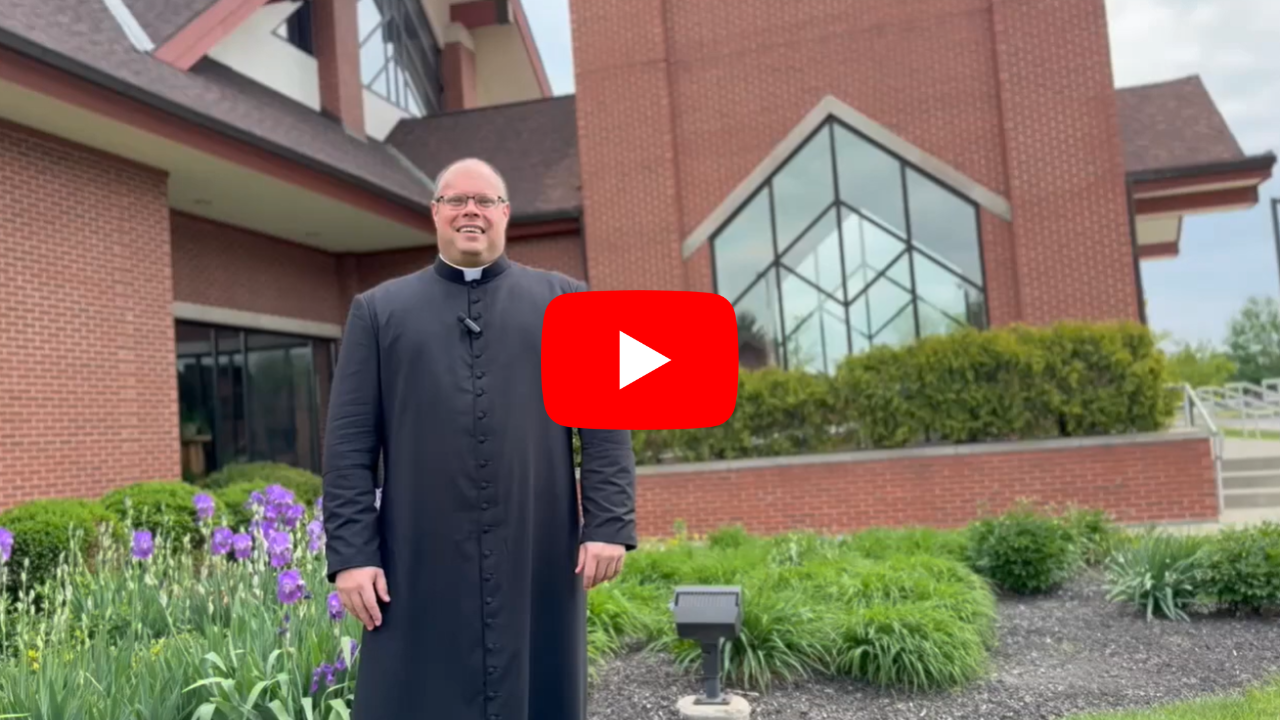
Watch Father's 1-minute video above welcoming you to join us on the Hallow app!
Feature of the Week: Prayer Requests
On Hallow, you can request prayers AND pray for others. Here's how to do this:
Feature of the Week: Prayer Requests
On Hallow, you can request prayers AND pray for others. Here's how to do this:
- Open the app and click on Church (bottom right)
- Scroll down to Prayer Requests
- Click Add to add your own prayer request
- To pray for a request, click on the request and then Pray For (bottom right)
- Choose a prayer, pray/listen to the prayer, click Done when complete
- The person will be notified you prayed for them!
Coming Events & Volunteer Requests
UPCOMING EVENTS
- Dive Into Scripture: April 30, 7pm
- First Friday Adoration: May 1, 7pm
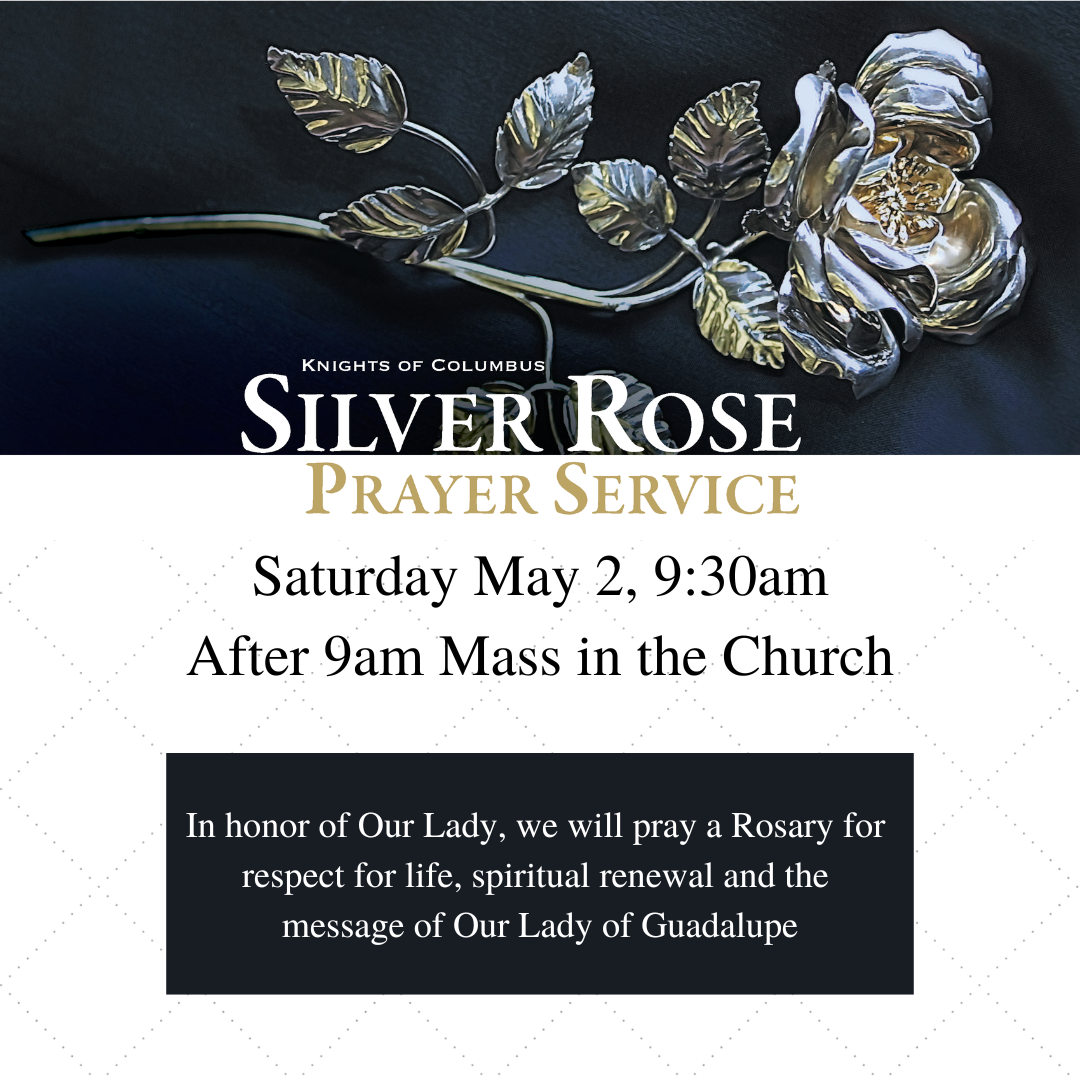
- Silver Rose Prayer Service: May 2, 9:30
- Funeral for Jesse Wadle: March 5, 12:50pm
- Grieving With Great Hope: March 5, 6:30pm
- SANCTUS P3: March 6, 6pm
- Prayer Shawl Ministry: March 6, 6:30pm
- Divorce Recovery: March 6, 6:30pm
- Soulcore: May 9, 7:30am
- Breakfast for Dinner: May 15, 5-7pm
- Caring Center Food Drive: May 16-17
- How to Pray Series: May 17, 9:30am or May 28 7pm
VOLUNTEERS NEEDED
- Man the Truck for the May 16-17 Food Drive
- Vacation Bible School (Childcare provided for children 4 & younger)
- Vacation Bible School needs empty paper towel rolls for a craft. Leave in the marked bin in the church.
- Middle School Youth Ministry Mentors
- Funeral Mass Team: Training and shadowing are provided. Please click here to email Christina Steele for more information or call 317-873-2885 x14205.
Parish Giving

Living Generously Reflection: What's Your Generosity Story?
When you give, your brain releases beneficial hormones that lift your mood. You feel more open, more alive and more grateful. Then your generosity ripples outward,
improving the lives of the people around you. Living generously is a win-win for everyone.
Generosity stories are transformative and uplifting. By living generously, we can rewrite our stories (with hope and goodness) and also rewrite the stories of those in the world around us.
Choosing to live generously in any of these seven ways: through thoughts, words, time, attention, influence, money or belongings...you can overcome all the usual excuses. I can start being generous when I'm more established. I'm too poor to give. Right now I need to focus on myself and my family. Generous acts don't matter unless they are grand.
What about you? Are you ready to join the movement and be inspired by living generously? Are you ready...to start making simple everyday choices that provide joy, purpose and excitement — for yourself and for others? How will you generously give of your thoughts, words, time, attention, influence, money or belongings?
-Excerpted from “I Like Giving” by Brad Formsma
Youth Faith Formation
UPCOMING EVENTS:
- Suicide Prevention Training: May 2, 10am (RSVP required)
- Cinco de Mayo Rooted/Edge End-of-Year Party: May 3, 5:45pm
- Teen Week: May 31-June 3 (Register by May 15)
- Baccalaureate Mass: May 31 (RSVP here)
- Vacation Bible School: June 8-12, Register by May 1 to get a free Vacation Bible School T-Shirt and music download!
- Milkshake Mondays (Life Teen): Mondays in June, 7pm


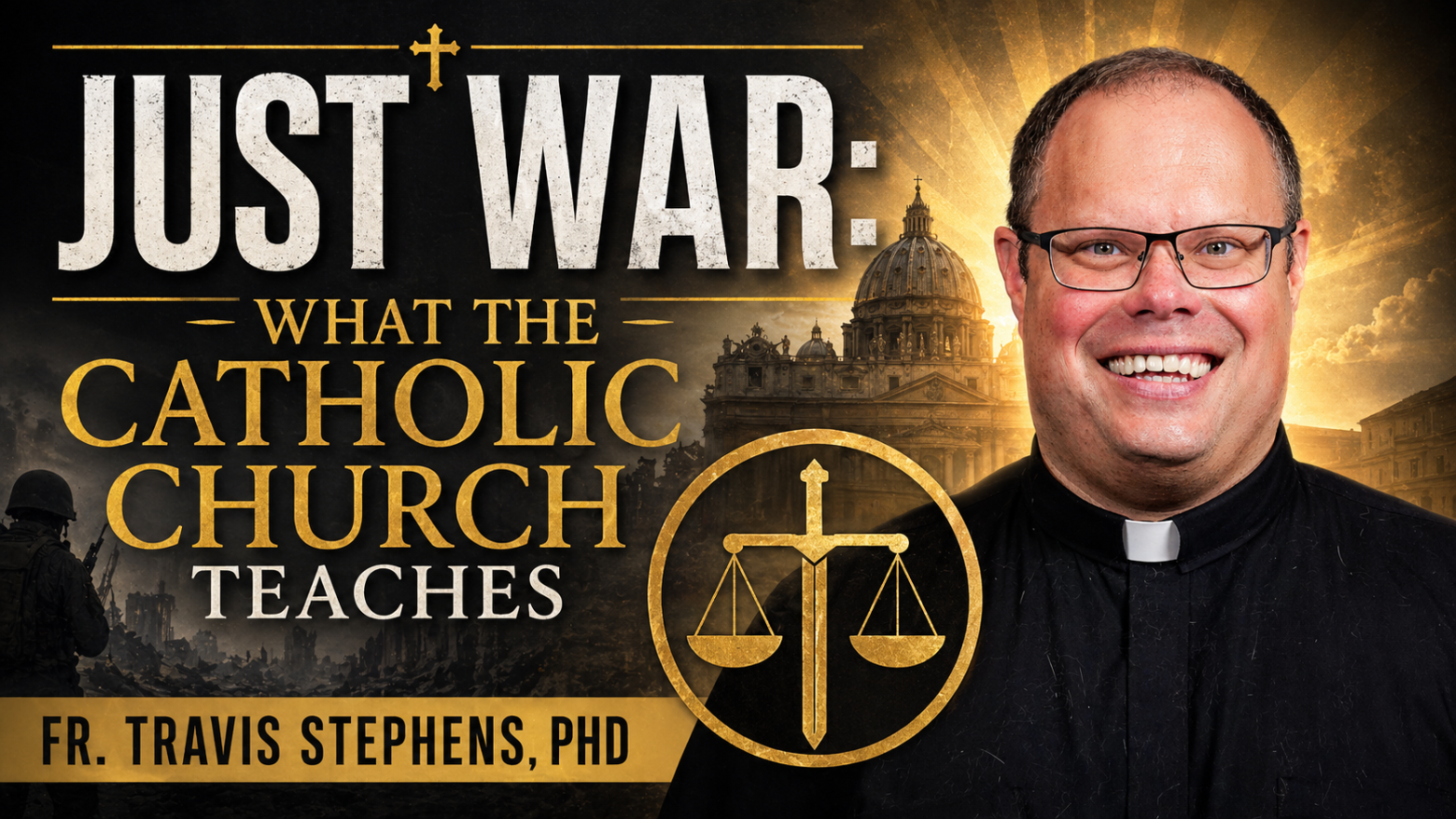
What Is a Just War? Fr. Travis
Explains the Church's Teaching
With many conflicts taking place around the world, Fr. Travis explains the Church's teaching on the criteria for going to war and remaining in war, emphasizing that we are all called to work toward peace. Watch the video below...
Could you click the thumbs up on the video to help it
be seen by more people? Thank you!
Jesus Is ALONE at These Hours
Can you sit with Him?

Adoration hours are expanding from 6am-10pm daily on May 10, so we need many new adorers!
There are NO adorers scheduled to be with Jesus at the hours listed below. Having scheduled adorers enables our parish to offer adoration for everyone. Is God calling you to sign up for a weekly half-hour or hour?
Requesting a substitute is easy, and remember, you're much more likely to spend time with Jesus if you're scheduled to be there ;-). Meet you in adoration!
There are NO adorers scheduled to be with Jesus at the hours listed below. Having scheduled adorers enables our parish to offer adoration for everyone. Is God calling you to sign up for a weekly half-hour or hour?
Requesting a substitute is easy, and remember, you're much more likely to spend time with Jesus if you're scheduled to be there ;-). Meet you in adoration!
Sundays: 11am-3pm, 5pm-8pm
Mondays: 9am, Noon, 5pm, 7pm
Wednesdays: 9am, 10am
Mondays: 9am, Noon, 5pm, 7pm
Wednesdays: 9am, 10am
Fridays: 8pm
Saturdays: 7am, 11am-2pm, 4-8pm
Saturdays: 7am, 11am-2pm, 4-8pm
Please note that the Adoration Chapel will be closed Friday, May 8 from 4-6pm.

Stay Connected!
Click here to submit a prayer request.
St. Alphonsus Liguori
A Pastorate of the Diocese of Lafayette-in-Indiana

If you have previous choral experience, the SAL Adult Choir needs you! The choir rehearses on Wednesday evenings at 7p and provides music for two 10:30a Masses each month, as well as feast days. Sheet music and personalized rehearsal resources are provided. Join the fun practicing, laughing, and praying together – the choir would love to have you!
Contact Lauren Lawson for additional information at llawson@zionsvillecatholic.com.

Stewardship Notes
Reducing Costs, Enhancing Impact
JANUARY
- 1: Holy Day - Solemnity of Mary, Mother of God @ 9a & 12p
- 10: Family Bingo
- 11: SoulCore
- 11: The 99 Renewal Retreat
- 12: SAL Book Club (RSVP)
- 12 & 13: RE Sessions Start Back
- 13: DOVE Meeting
- 14: Sacramental Prep Mtg. for First Holy Communion @ 7p
- 15: Dive Into Scripture: What We Believe
- 16: St. Monica Ministry
- 17-19: Girls' Retreat
- 22/23: Rummage Sale Drop-Off
- 24/25: Rummage Sale
- 26: Sundays with the Saints @ 9:30a in Parish Hall


Grades 5-12
- July 7: Mercy Monday @The Caring Center - Sign up Here
- July 13: Water Wars & Milkshakes - Sign Up!
VOLUNTEERS NEEDED
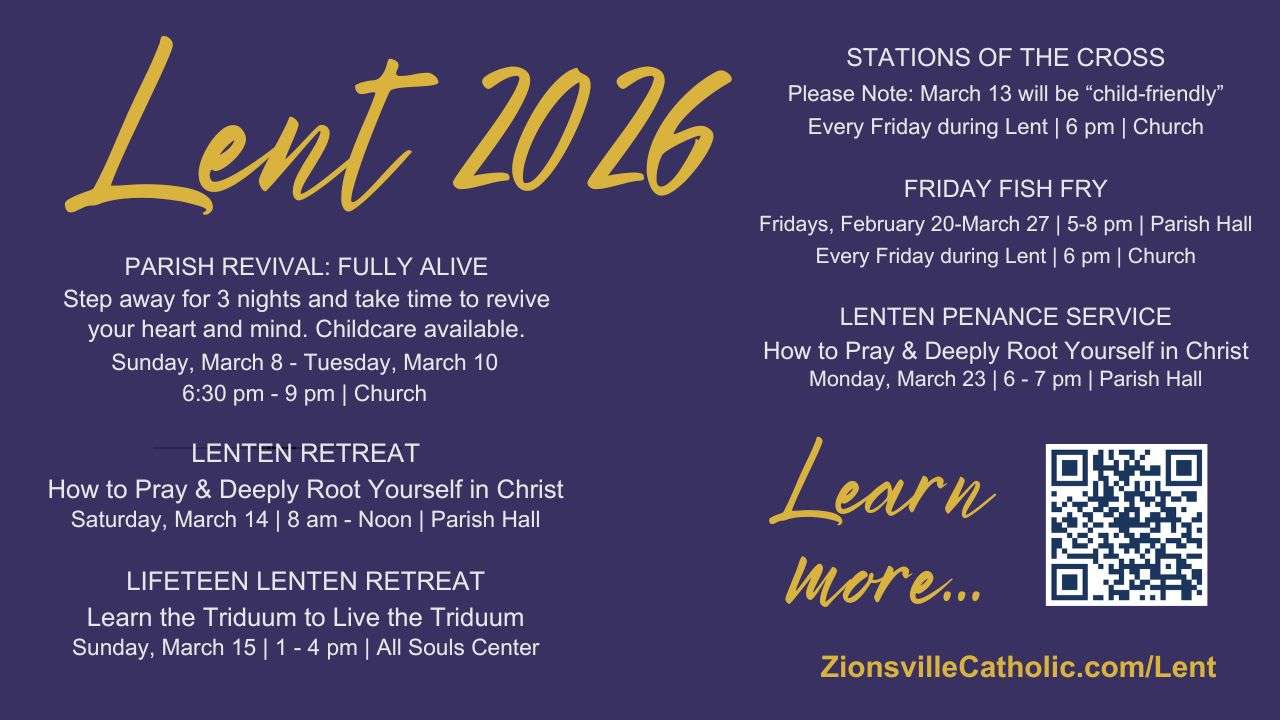
- Lenten Fish Fry
- Children's Liturgy of the Word (March 8 & 22)
- Cookies for a Cause
- OCIA Hospitality
- Parish Revival
- Youth Night Kitchen Help
- First Holy Communion Retreat
- Funeral Mass Team -Training and shadowing are provided. Please click here to email Christina Steele for more information or call 317.873.2885 x14205.